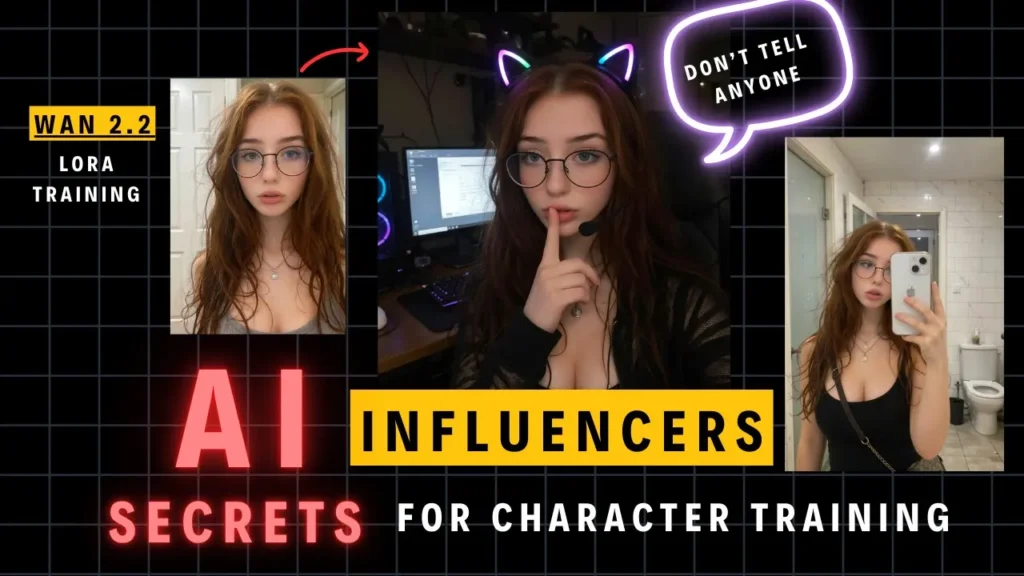
For a full video tutorial, refer to this Youtube video.
If you’ve ever wanted to create consistent, photorealistic AI influencers that look like they belong on Instagram, this guide will show you exactly how. You’ll learn everything from building your dataset to training LoRA models on both high- and low-noise workflows using AI Toolkit, RunPod, and ComfyUI.
With the new updates to Wan 2.2 model workflow in Aitoolkit, it’s now easier than ever to train both models fully. We’ll also go over how to build a great dataset, caption your images properly, and optimize your training settings for best results.
The tools you’ll need include AI Toolkit by Ostris for LoRA training, RunPod for cloud GPU power, and ComfyUI for building and testing workflows. You’ll also work with Flux Context and Nano Banana to generate training data and ChatGPT to create captions automatically. Members can access all the RunPod templates, ComfyUI workflows, and step-by-step training guides on the private page. Joining the membership gives you access to a private Discord channel where creators share ideas, troubleshoot issues, and get priority support. (https://www.patreon.com/posts/new-course-loras-138301869)
All detail guides, workflows, and Runpod templates are available to our members.
Step 1: Create Your Base Portrait
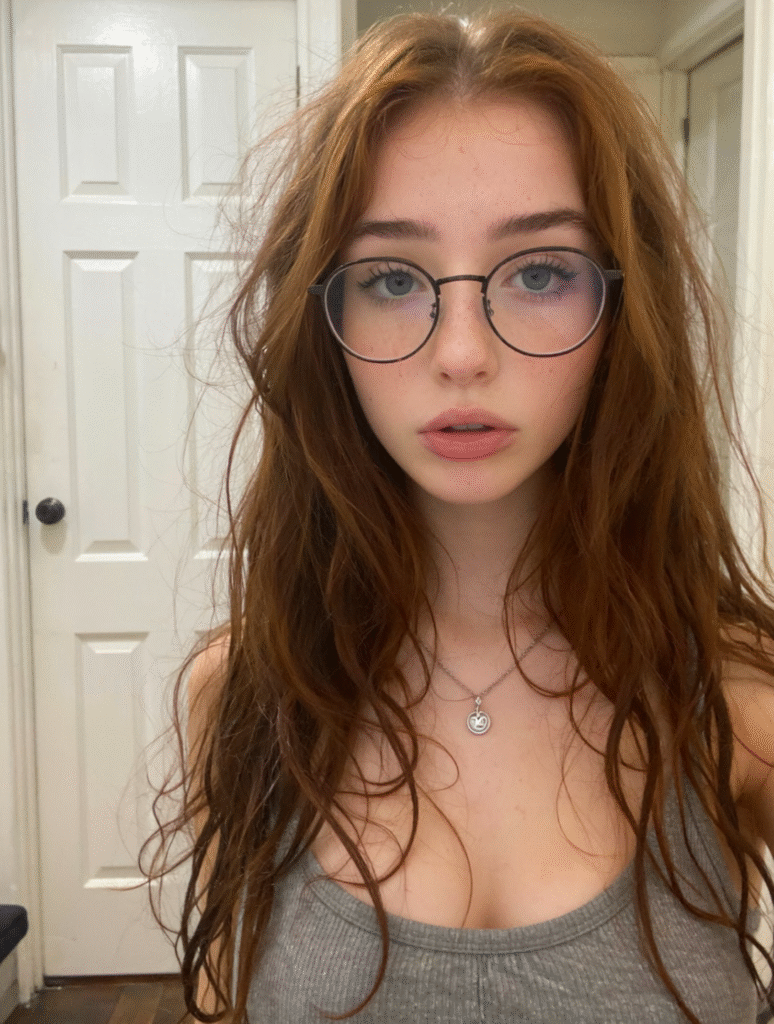
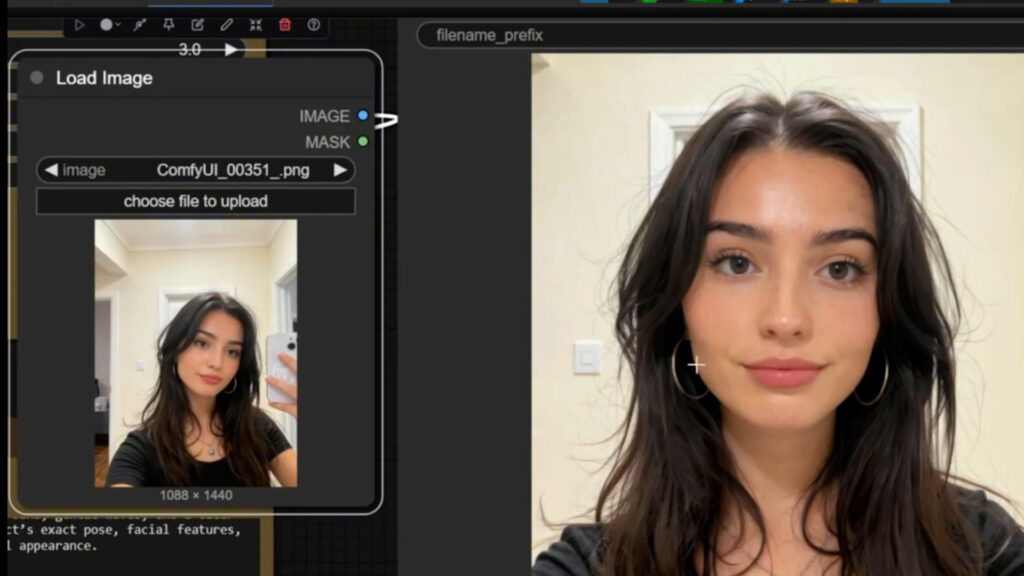
The first step is to create your base portrait. Start by generating the “first image,” which will serve as the foundation of your AI influencer. Use the Wan 2.2 Instagram Influencer Template on RunPod with a strong GPU like the RTX 4090. You can find example prompts in the resource folder under “Instagram Mix Prompts,” which includes a variety of sample influencer styles. Once your container loads, drag the workflow into ComfyUI and create your starting image.
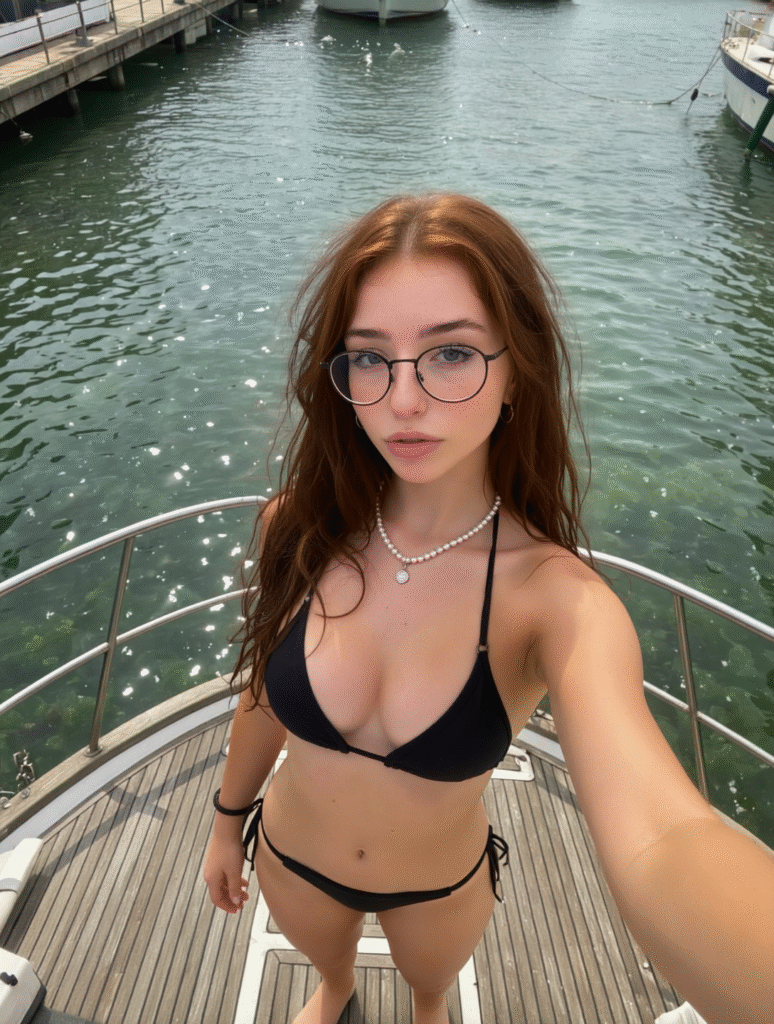
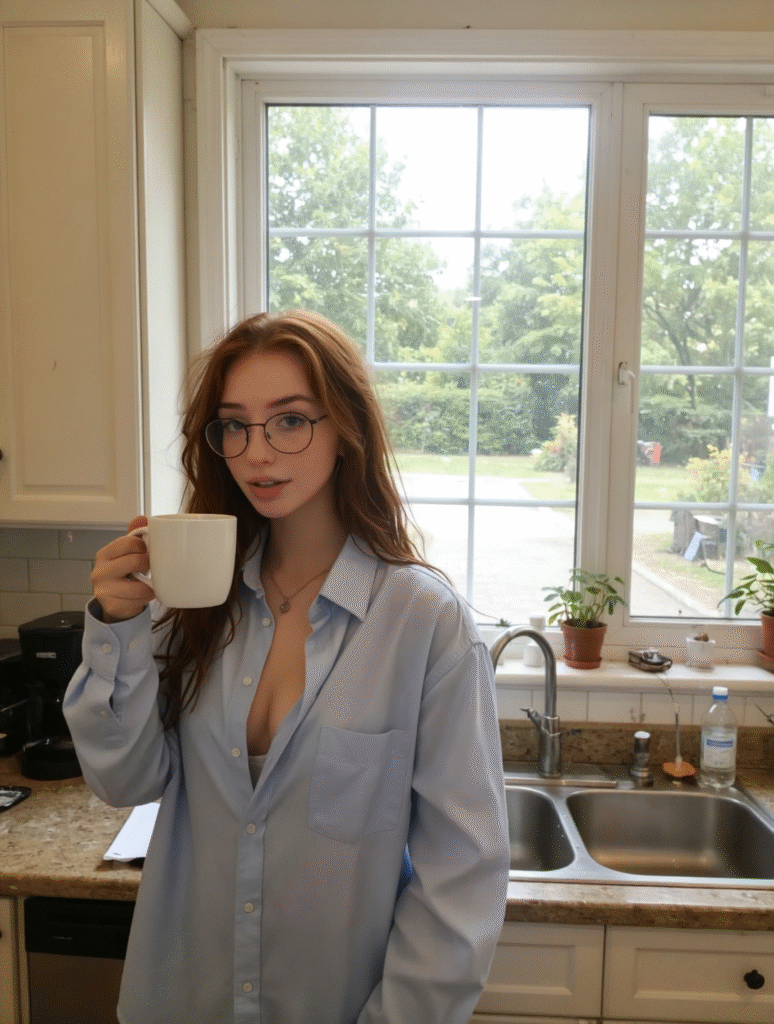
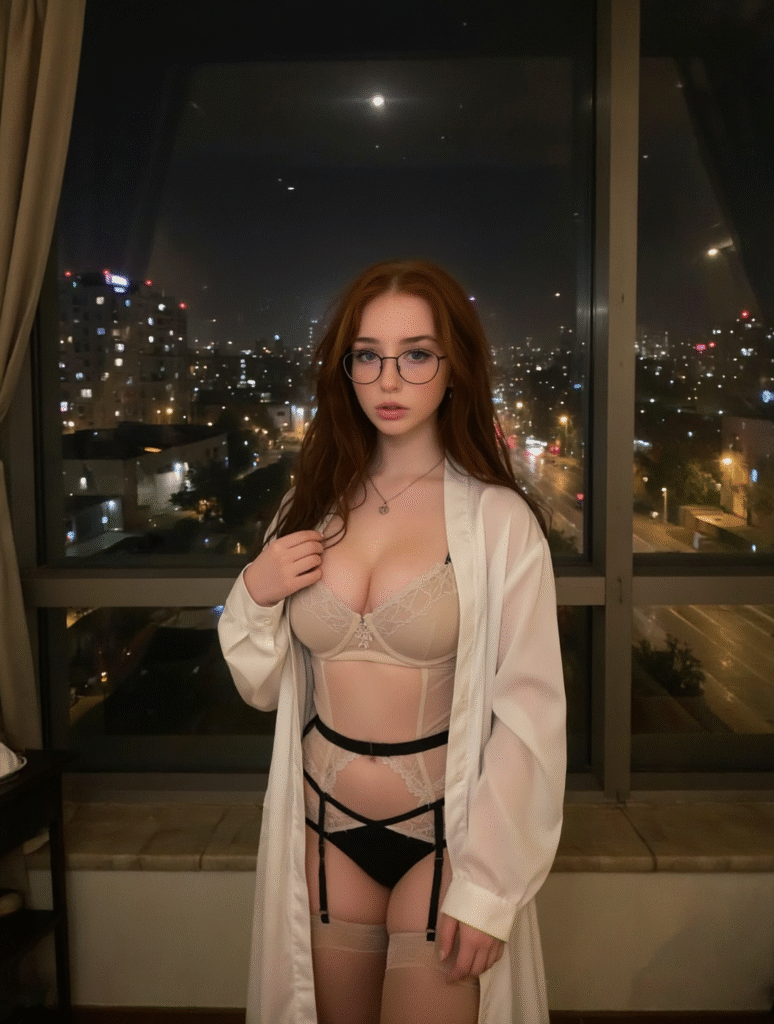
For example, the image below is a portrait image I created using the Wan 2.2 instagirl workflow in the resource folder.
Step 2: Build a Diverse Dataset
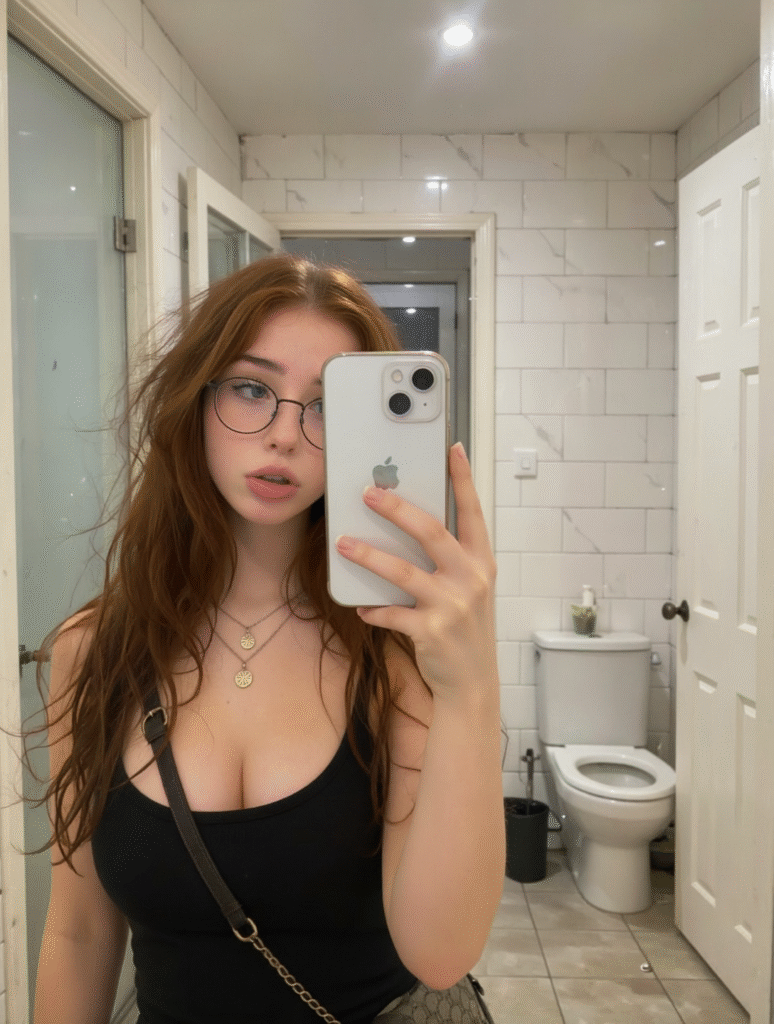
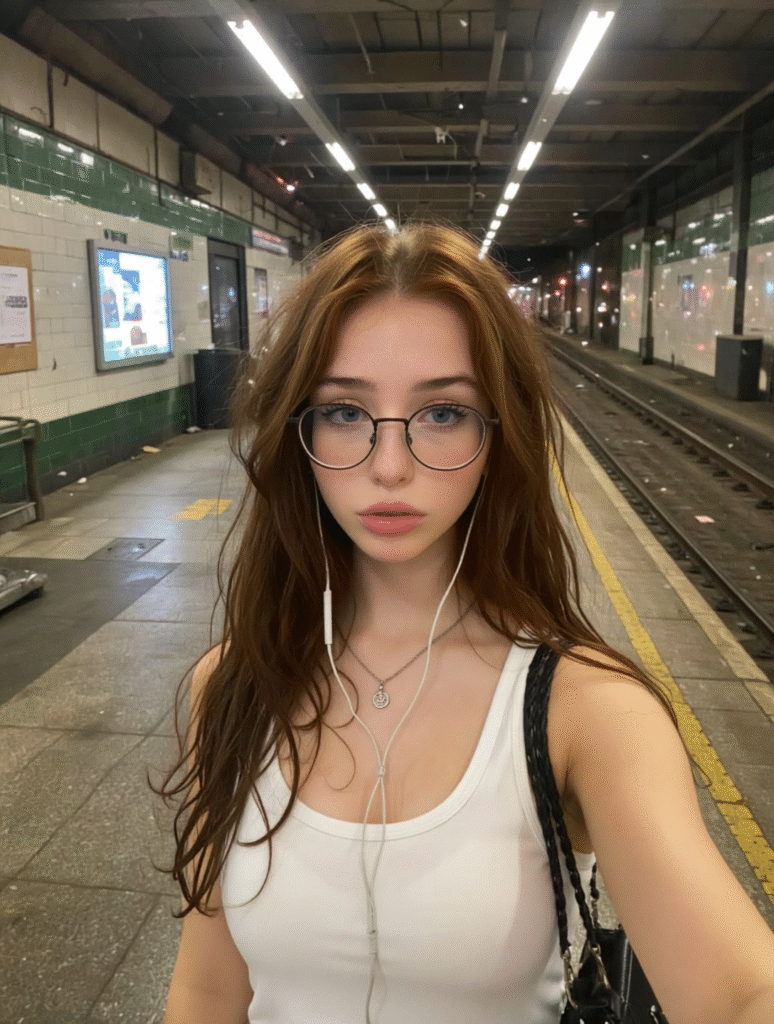
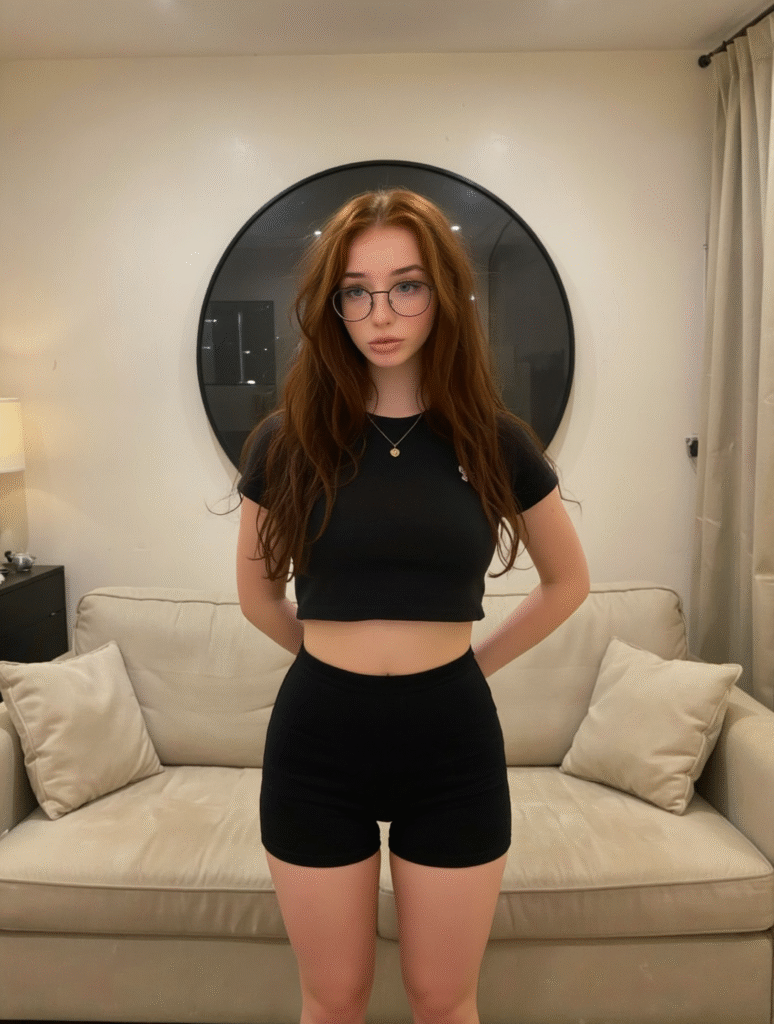
To train a great LoRA, you need 20–30 high-quality images (at least 768px) of your influencer in different poses, angles, backgrounds, and expressions. Avoid using too many similar images—variety helps your model generalize better.
Here are several ways to generate these training images:
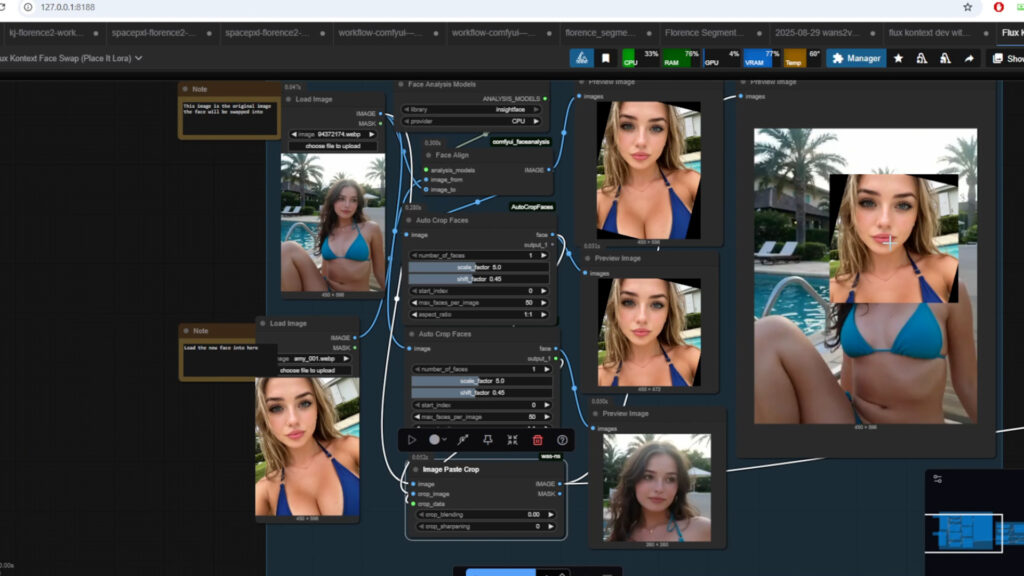
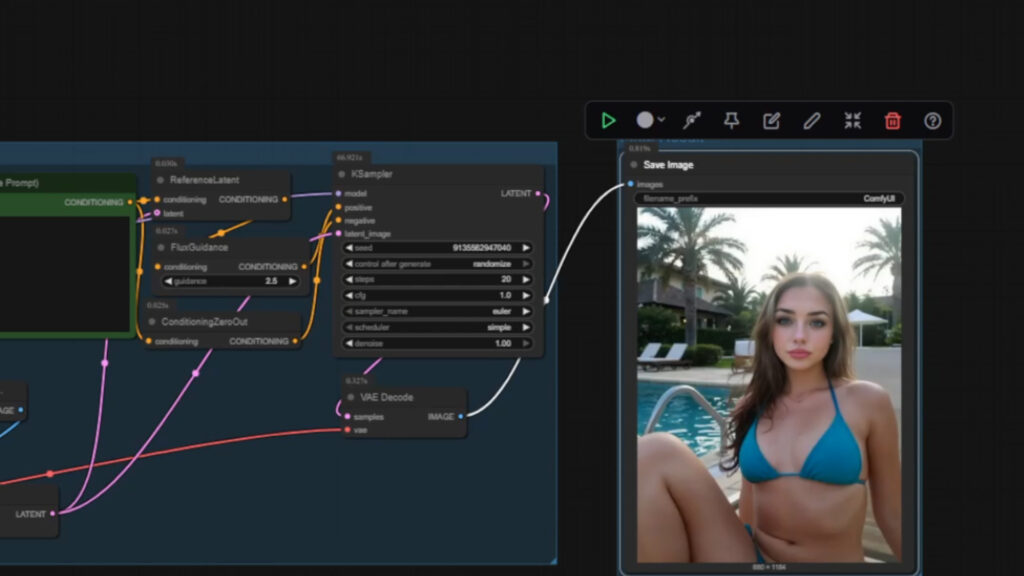
1. Flux Context Face Swap Workflow
This workflow swaps the entire head including hair, accessories, and earrings using precise face alignment. Adjust scale and shift factors to fine-tune the face positioning. Keep skin tones similar for best blending.
2. Image-to-Video Workflow
Use the Wan 2.2 image-to-video workflow to create short clips, then extract frames as images. You can change poses, clothes, and even backgrounds while maintaining consistent facial features.
3. Flux Context Dev/Pro/Max Models
These are powerful (and sometimes paid) models that let you change angles, lighting, and clothing styles. The Pro and Max versions offer premium quality, but even the free Flux Context Dev model is excellent. Utilize this image editing model to create your characters in diverse poses and background
Step 3: Captioning Your Images
Captioning helps your LoRA understand the relationship between text and visuals. AI Toolkit uses trigger words to structure captions effectively.
There are two ways to use triggers:
- Automatic Appending: The toolkit adds the trigger word to every caption automatically.
- Manual Placement: You insert
[trigger]directly into captions for fine control.
For influencer training, it’s best to manually include the trigger in your captions.
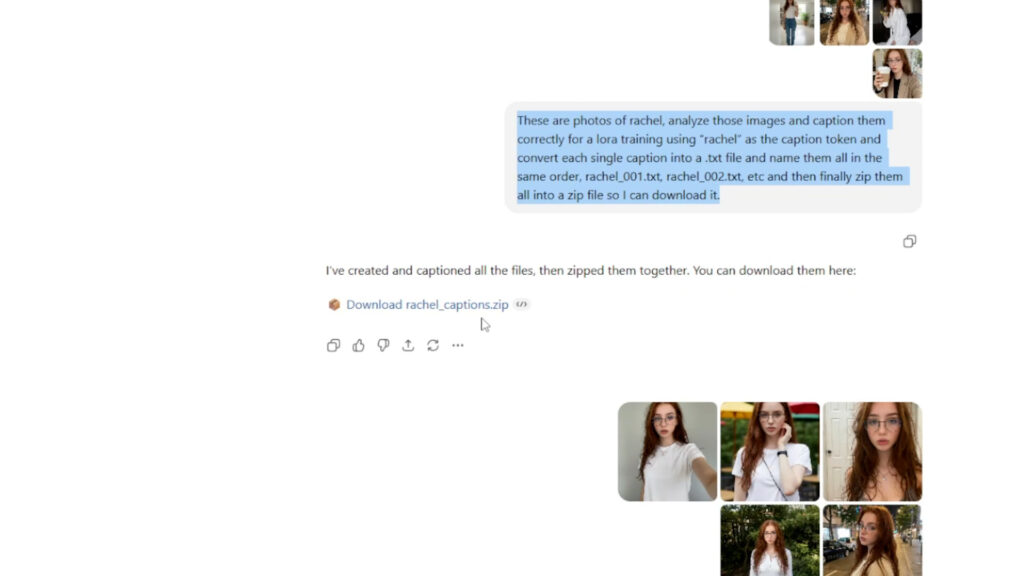
You can even use ChatGPT to auto-generate all your captions and export them as a zip file. Just remember:
- Always start with your character’s name or token.
- Describe key details—clothing, setting, lighting, emotion, etc.
- Avoid unnecessary repetition.
You can use the following prompts below on ChatGPT to generate a zip folder of captions
These are photos of [your trigger name], analyze those images and caption them correctly for a lora training using “ [your trigger name]” as the caption token and convert each single caption into a .txt file and name them all in the same order, [your trigger name]_0001.txt, [your trigger name]_0002.txt, etc and then finally zip them all into a zip file so I can download it.
Step 4: Training Your LoRA with AI Toolkit
Now comes the fun part—training your LoRA.
Launch AI Toolkit on RunPod (using the RTX Pro 6000 or similar). Drag and drop your image and caption pairs; the toolkit will automatically pair them.
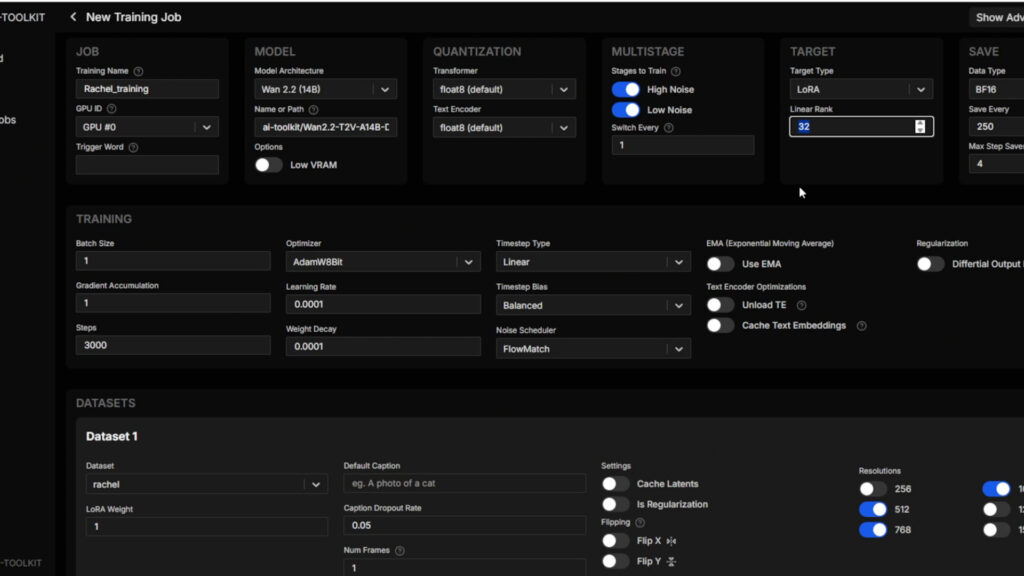
Then, create a new training job:
- Trigger word: Leave blank if it’s already in your captions
- Model: Select “Wan .2.2 Image-to-Video 14B”
- Training Time: About 5 hours for both high- and low-noise models
- Quantization: Float8 for balance between speed and quality
- LoRA Rank: 32 for high-end GPUs, but sometimes 16 is enough to create good quality lora
- Steps: Set to 1 for high VRAM, 10 for low VRAM setups
After training, you’ll get two LoRA files:
[Character]_lownoise.safetensors[Character]_highnoise.safetensors
Download both the lownoise and highnoise models. You might have multiple models at different steps (ex: 2500. 2750). You should download these models to test out if you get better results at lower steps
Step 5: Testing and Combining Your Models
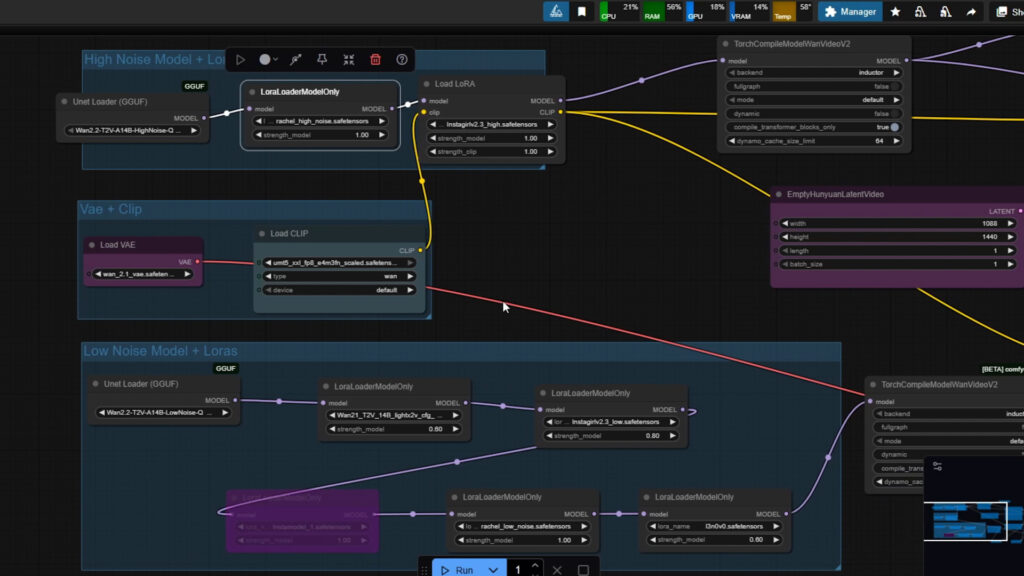
To use your new LoRA, place both models in:
Comfyui/models/loras folder.
Then open the Wan 2.2 Instagram Workflow in ComfyUI (Either locally or in Runpod) and create two LoRA loader nodes:
- Connect the high-noise LoRA to the high-noise model
- Connect the low-noise LoRA to the low-noise model
You can adjust the strength value (start with 1.0) to balance between detail and consistency.
From testing, combining these two models significantly improves prompt adherence, skin texture, and expression consistency—even across outfits, accessories, or lighting.
Step 6: Become a Master at AI Influencer Creation
By now, you’ve:
- Built a diverse and dynamic dataset
- Created accurate captions
- Trained dual LoRA models
- Deployed them for beautiful, consistent influencer results
The final product: an AI influencer capable of generating endless photo variations while keeping the same identity across all posts.
Join our membership (https://www.patreon.com/posts/new-course-loras-138301869) for access to 20+ workflows, RunPod templates, and AI influencer tools—plus direct support whenever you hit a roadblock.