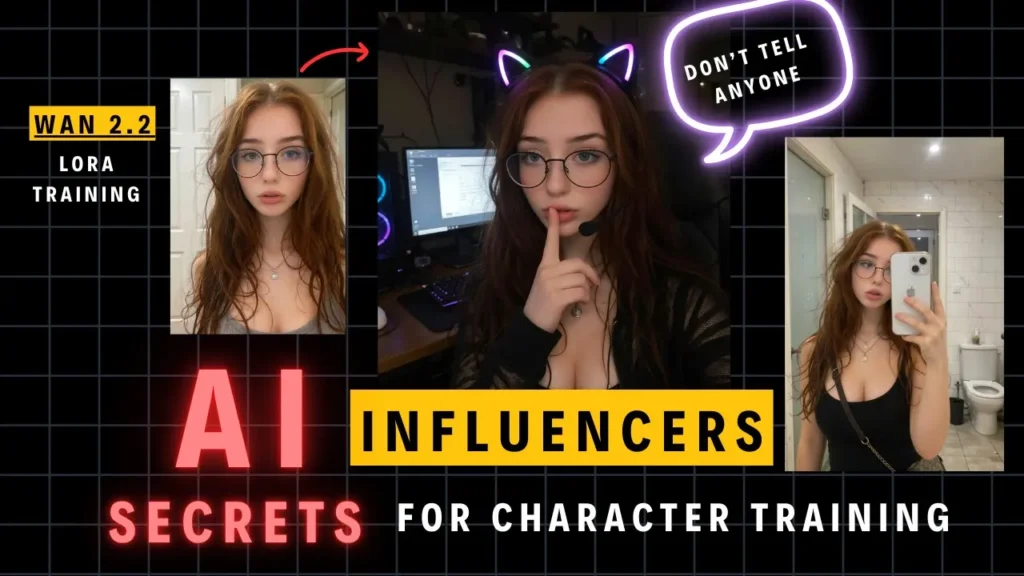
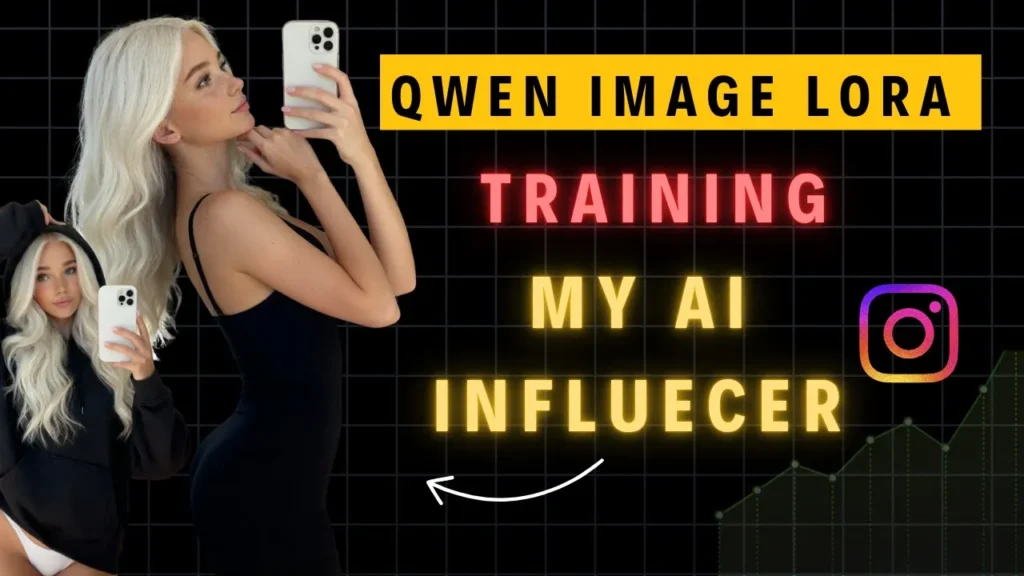
For a full video tutorial, refer to this Youtube video.
AI influencers are evolving fast — and now, with LoRA training and the new Qwen character model, you can create photorealistic influencers that look indistinguishable from real people. In this tutorial, you’ll learn how to build your own AI influencer, train a LoRA for consistency, and even monetize your creations using WAN 2.2, RunPod, and ComfyUI.
In our last blog post, we successfully created a consistent AI influencer using Alibaba’s Wan 2.2 model combined with the Instagirl Lora workflow. While this approach works well for generating Instagram ready portraits, it sometimes results in images that appear somewhat artificial or plastic-like. Today, we introduce the Qwen 2.5 image model, a more powerful alternative designed to produce hyperrealistic and varied results, making your AI influencer stand out with natural looking images.
Members can access all the RunPod templates, ComfyUI workflows, and step-by-step training guides on the private page. Joining the membership gives you access to a private Discord channel where creators share ideas, troubleshoot issues, and get priority support. (https://www.patreon.com/posts/level-up-your-ai-140517584)
All detail guides, workflows, and Runpod templates are available to our members.
Why Choose the Qwen 2.5 Image Model?
The key advantage of Qwen is that it is an image-focused model, which simplifies training compared to Wan 2.2, originally developed for video and requiring complex noise-level training. Qwen’s design allows for faster, more efficient training with fewer resources while delivering superior realism in facial details and image quality.
Step 1: Generating the Base Portrait
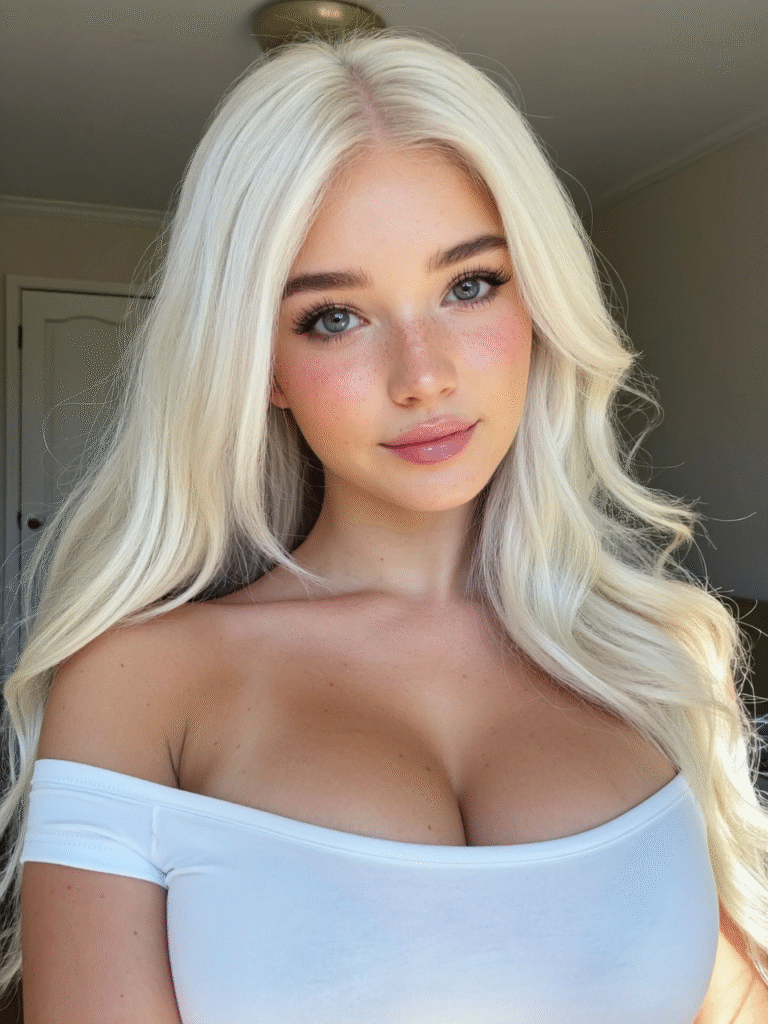
Start by creating the base portrait of your AI influencer. Although Qwen offers powerful generation capabilities, the Instagram Lora model paired with Wan 2.2 is still highly effective for producing portraits quickly. Just ensure your prompts avoid overly smooth or plastic skin textures.
If you prefer, you can also generate portraits directly with Qwen’s Lora by the Instara team. Note, however, this workflow is GPU-intensive and slower, especially on GPUs like the RTX 5090.
Step 2: Creating Diverse and High-Quality Training Data Sets
A successful Lora model requires a high-quality dataset with consistent facial features across various angles and expressions. Here are three recommended methods for dataset creation:
- SeeDream 4.0 by ByteDance: A premium image editing model supporting up to 4K resolution, combining generation and editing. It excels in maintaining facial consistency but is paid at roughly $0.03 per generation.
- Nano Banana: Great for consistent skin texture retention, though it has strict censorship rules that may impact output.
- Flux Context Face Swap: Uses playset Laura to accurately swap faces onto existing photos while preserving detail.
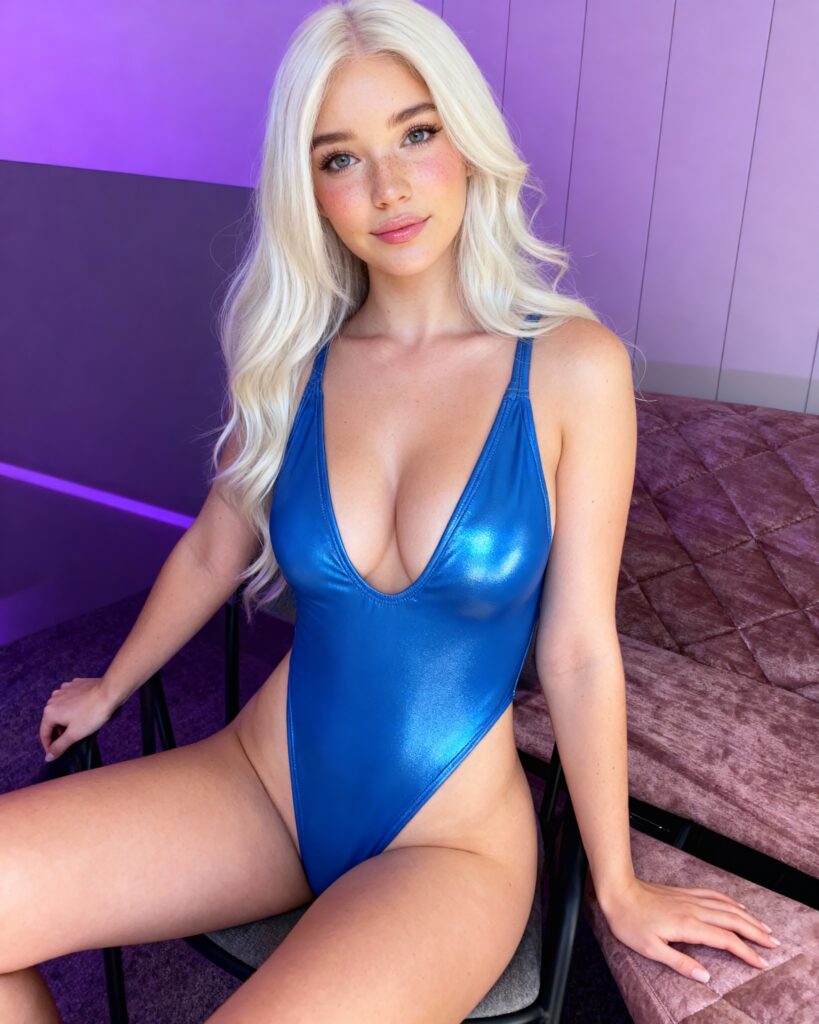
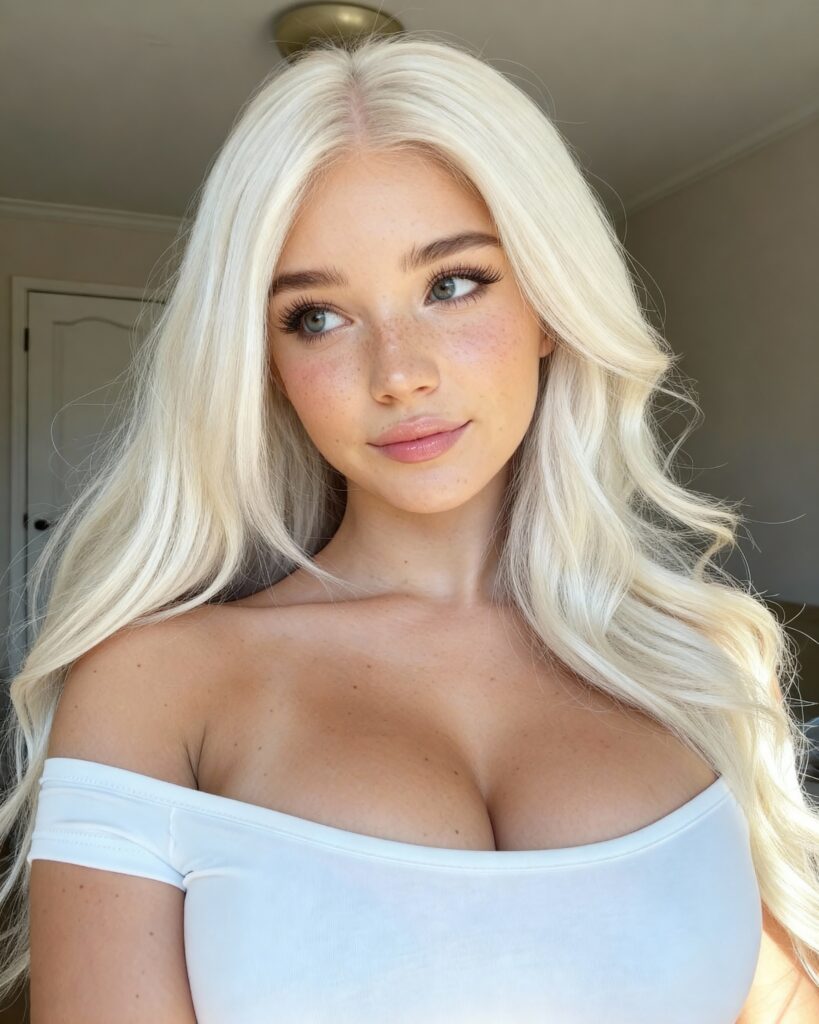
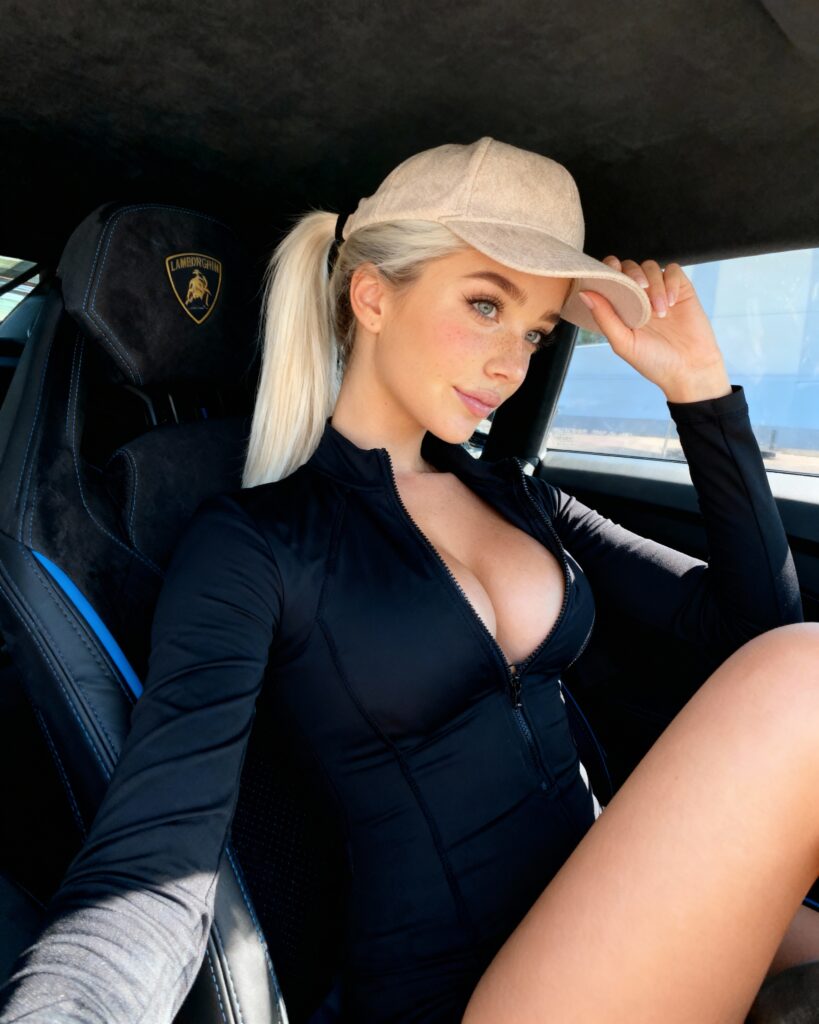
Aim for 20-30 images showing multiple angles (front, 3/4, side, up/down) and a variety of expressions and body poses (close-ups to full body shots). High image quality is more critical than quantity.
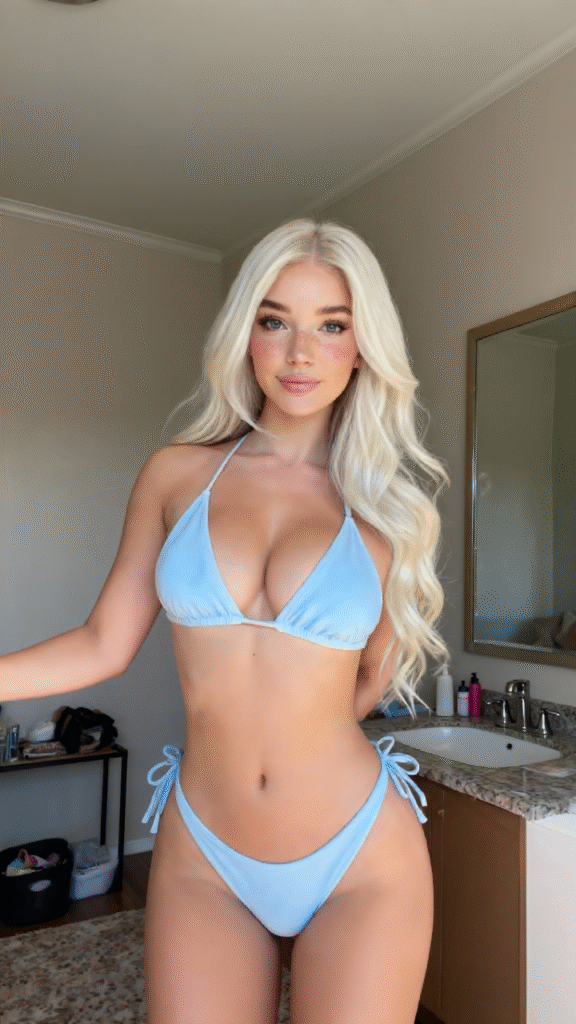
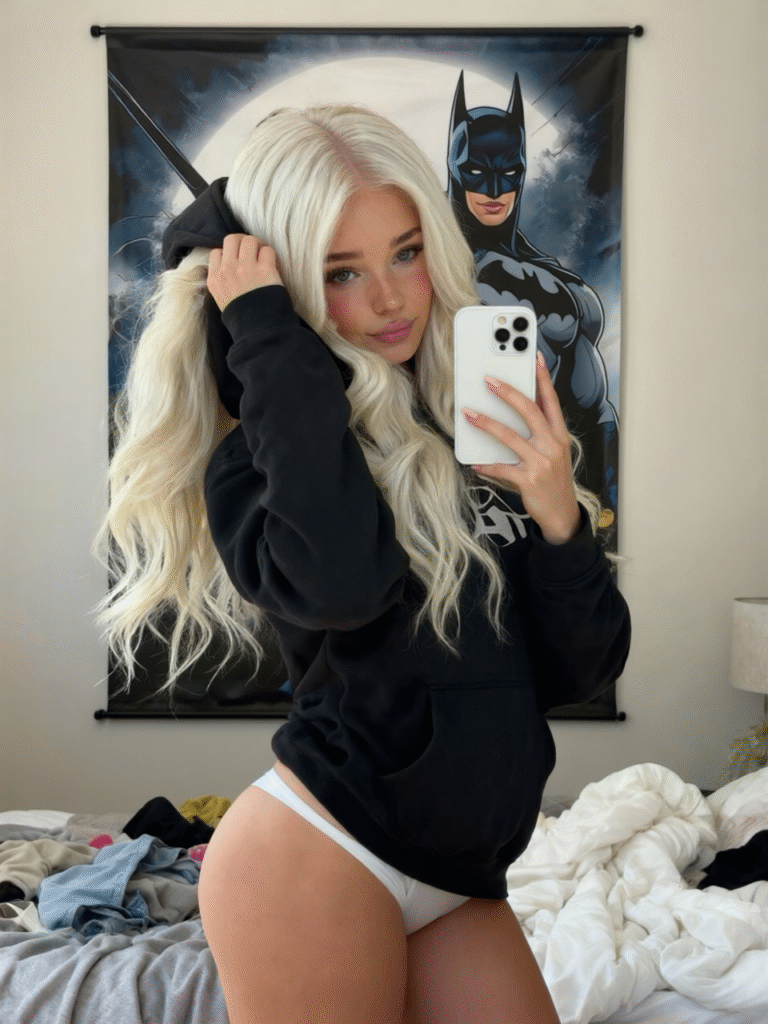
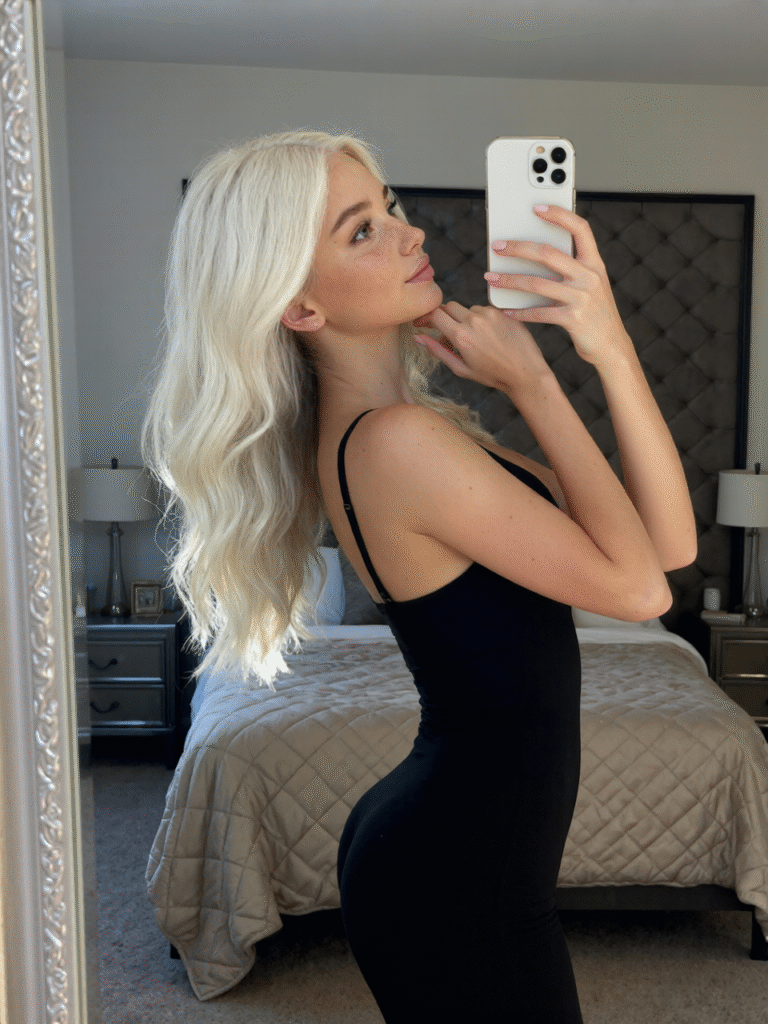
Below is some example dataset images I have created for my influencer
Step 3: Captioning Your Dataset for AI Toolkit
Captioning helps your LoRA understand the relationship between text and visuals. AI Toolkit uses trigger words to structure captions effectively.
There are two ways to use triggers:
- Automatic Appending: The toolkit adds the trigger word to every caption automatically.
- Manual Placement: You insert
[trigger]directly into captions for fine control.
For influencer training, it’s best to manually include the trigger in your captions.
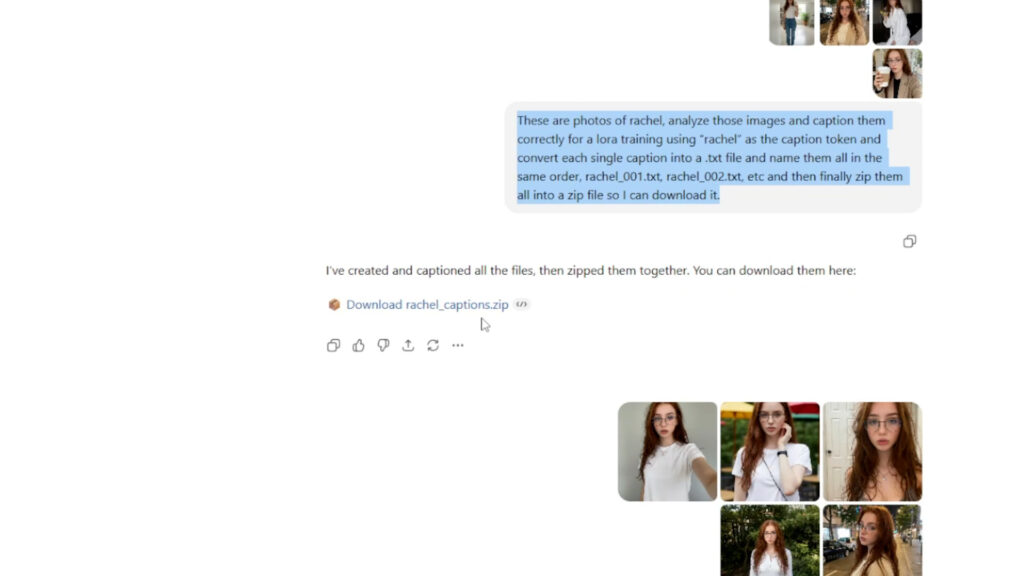
You can even use ChatGPT to auto-generate all your captions and export them as a zip file. Just remember:
- Always start with your character’s name or token.
- Describe key details—clothing, setting, lighting, emotion, etc.
- Avoid unnecessary repetition.
You can use the following prompts below on ChatGPT to generate a zip folder of captions
These are photos of [your trigger name], analyze those images and caption them correctly for a lora training using “ [your trigger name]” as the caption token and convert each single caption into a .txt file and name them all in the same order, [your trigger name]_0001.txt, [your trigger name]_0002.txt, etc and then finally zip them all into a zip file so I can download it.
Step 4: Configuring Training Parameters
When setting up your training job in AI Toolkit:
- Select the Qwen Image model architecture.
- Set linear rank to 16 (enough for a 20 billion parameter model, balancing size and quality).
- Use sigmoid timestep weighting to focus learning on the middle noise denoising steps, optimizing identity retention.
- Set the learning rate to 0.0002.
- Enable low VRAM options if training on RTX 5090 GPUs.
- Upload your dataset and start training, which typically takes 2-3 hours.
Monitor progress via checkpoints saved every 250 steps and test models around 2000-3000 steps for optimal results.
Step 5: Deploying Your Lora Model and Workflow
Once trained, upload your Laura model to your RunPod environment:
- Either drag and drop into Jupyter Lab’s Comfy UI folder or
- Upload to a HuggingFace repository for easy, repeatable downloads via
wget.
Load the Qwen Instagram Influencer workflow, which combines the base Qwen model, text encoders, and Laura to generate hyperrealistic influencer photos.
Step 6: Generating Realistic AI Influencer Images
Use a reference photo to guide your generation:
- Find a photo on Pinterest or elsewhere with the desired style.
- Generate a detailed prompt description of the photo using ChatGPT.
- Modify the prompt to match your AI influencer’s facial features.
- Input the prompt into Comfy UI and generate images.
This approach yields highly realistic images with consistent facial details and natural skin textures, outperforming the Wan 2.2 model by eliminating artificial shine.
Batch image generation is supported, saving time by producing multiple portraits in one run.
Enhancing Realism with Additional Models
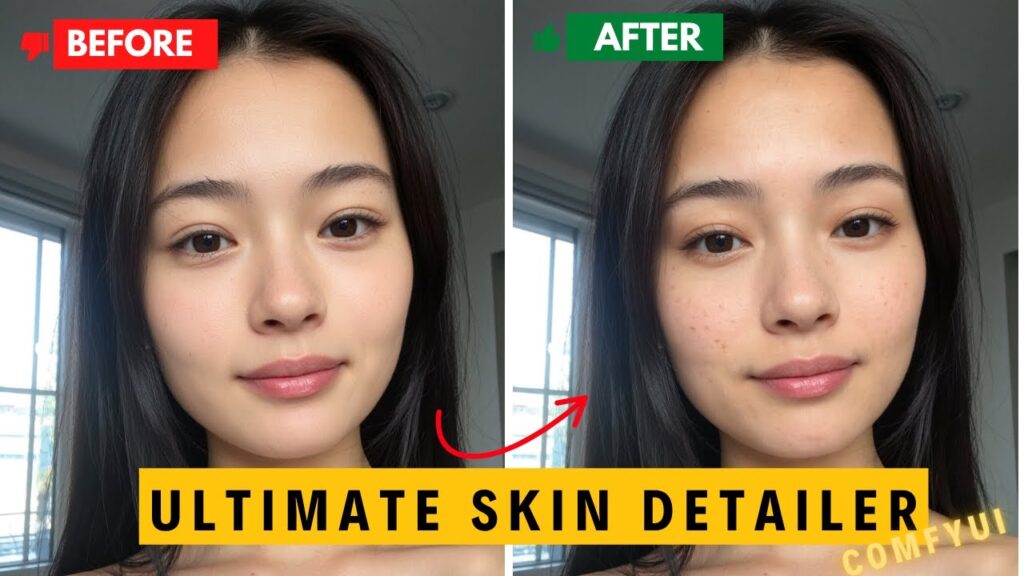
You can boost photo quality by applying style enhancer Laura models like Qwen Boreal Portraits, which add realistic skin pores and texture details. Adjust the strength to suit your needs.
Conclusion: Building Your AI Influencer Empire
By leveraging the Qwen 2.5 model and following this comprehensive workflow, you can create hyperrealistic AI influencers capable of thriving on Instagram and other social media platforms. Many community members are already monetizing their AI influencers full-time using these methods.
Join the members-only Discord for ongoing support, sharing, and expert guidance. If you encounter issues, personalized help is available to get you up and running quickly.
Join our membership (https://www.patreon.com/posts/new-course-loras-138301869) for access to 20+ workflows, RunPod templates, and AI influencer tools—plus direct support whenever you hit a roadblock.